Resolume Arena vs Avenue: The Multi-Display Feature That Decides Which You Need

The short answer
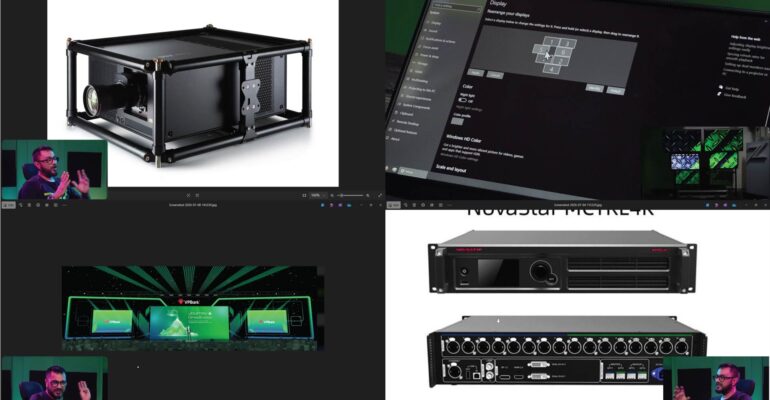
Resolume Avenue does not include the Advanced Output module. If your show needs more than one physical display acting as a single mapped canvas — multiple projectors, LED processors, stacked or stitched outputs — you need Resolume Arena. Avenue and Arena share almost the same interface and workflow for clips, layers, and effects, but Advanced Output is an Arena-only feature.
What Avenue can and can’t do
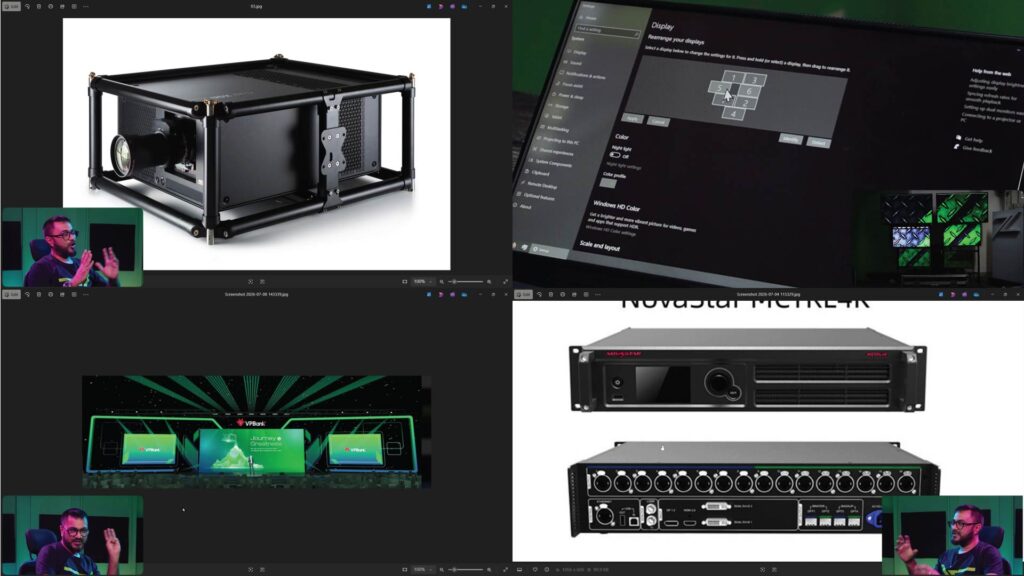
Avenue is the lighter, lower-cost version of Resolume, built for single-output setups — one projector, one screen, one LED wall driven as a single canvas. It’s a genuinely capable tool for that use case. What it can’t do is split your composition across multiple outputs with independent slices, masks, and geometry per display — which is exactly what projection mapping onto real venue setups requires.
When the upgrade decision actually matters
You’ll hit this decision point at a specific moment, not gradually:
- A venue rider specifies more than one projector for your show
- You’re asked to stack two projectors for extra brightness on one surface
- The surface you’re mapping isn’t flat, and needs to be split into slices
- A client or venue expects DMX/ArtNet lighting integration alongside visuals
Any one of these means Avenue is no longer enough, regardless of how comfortable you are with its interface.
It’s not just a software switch
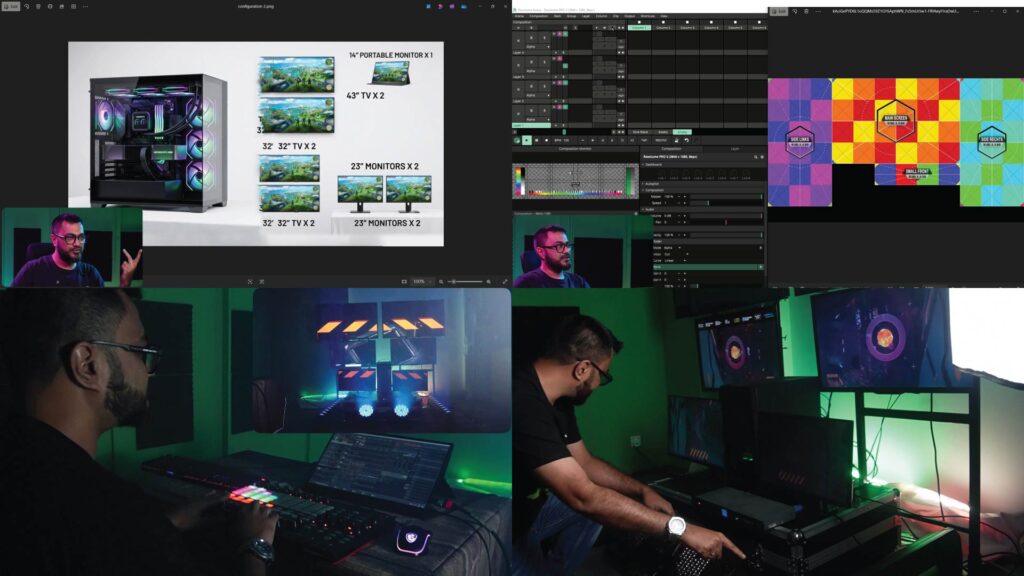
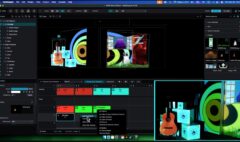
Moving from Avenue to Arena isn’t just unlocking a menu option — Advanced Output has its own logic: screen setup, slices, subdivisions, edge blending, and how compositions map onto real-world display arrangements. VJs who are fluent in Avenue often assume Arena’s Advanced Output will be intuitive by comparison, and get stuck on their first real multi-display show.
Learn Advanced Output properly
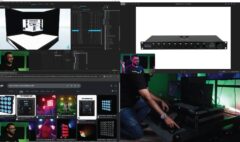
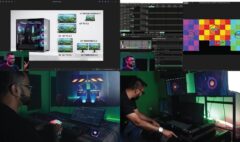
Advanced Outputs & Mapping — Resolume Arena is built specifically for VJs and technicians making this exact jump — assuming you already know clips, layers, decks, and BPM, and taking you straight into Advanced Output, DMX/ArtNet integration, and projection mapping.
Enroll: Advanced Outputs & Mapping — Resolume Arena — https://studio-z.ca/all-courses/resolume-arena-advanced-outputs-mapping/ (short: tinyurl.com/resolumeMapping)