
Resolume Arena: Advanced Outputs & Mapping
About This Course
Resolume Arena: Advanced Outputs & Mapping is the advanced-output extension of the original Resolume Masterclass, built for operators who already understand Resolume’s foundations — clips, layers, decks, sources and BPM sync — and are ready to run real multi-display and lighting-integrated shows. Across 11 chapters, we go from the theory of advanced output and display mediums into hands-on builds: a 2-display portable rig, a 6+1 display complex mapping, real venue and rider scenarios, DMX/ArtNet lighting patched directly into your mapping, pre-programming lighting cues in a visualizer, and an introduction to projection mapping with stacking and stitching. This is the knowledge base built from years of real questions professionals face running Resolume on actual shows — organized chapter by chapter so you can move at your own pace and come back whenever you need a refresher.
This is the advanced training of the Resolume Masterclass — an 11-chapter deep dive built for VJs and AV technicians ready to move beyond single-screen shows. You already know clips, layers, decks and BPM. Now we go into Resolume Arena’s Advanced Output: connecting and mapping multiple displays, from a simple 2-display portable rig up to a complex 6+1 output show. We cover display mediums, real-life multi-display cases and venue riders, DMX/ArtNet lighting integration with Resolume — both live and inside a lighting visualizer — and a practical look at projection mapping, stacking and stitching. The course closes with the preset, backup and shortcut habits that separate hobbyists from working professionals.
Learning Objectives
Requirements
- Completion of Resolume Masterclass (Beginner to Intermediate), or working knowledge of Resolume's foundations: clips, layers, decks, sources, and BPM sync.
- Resolume Arena (Advanced Output features are Arena-only, not available in Avenue).
- A computer capable of running Resolume Arena with at least one additional display output (two recommended to follow the Practical Level 1 exercises).
- Basic familiarity with your operating system's display settings is helpful but not required.
Target Audience
- Resolume Masterclass graduates ready to level up to multi-display and lighting work.
- Working VJs and show operators handling multi-screen or LED wall setups.
- Event AV technicians responsible for display and lighting integration.
- Lighting/visual designers who want to bring DMX and Resolume into the same workflow.
- Freelance visual operators preparing to take on corporate, concert or festival-scale rigs.
Curriculum
Introduction to the Course
Introduction – Advance Output & Mapping00:4:12
Chapter 11: Advanced Outputs: Theory
Chapter 12: Advanced Outputs in Resolume
Chapter 13: Display Medium: Theory
Chapter 14: Advanced Outputs: Practical Level 1
Chapter 15: Advanced Outputs: Practical Level 2
Chapter 16: Advanced Outputs: Real-Life Cases
Chapter 17: Resolume & Lighting: Theory
Chapter 18: Resolume & Lighting: Practical
Chapter 19: Resolume & Lighting: Practical in a Visualizer
Chapter 20: Advanced Outputs: Projection Mapping
Chapter 21: Additionals & Outro
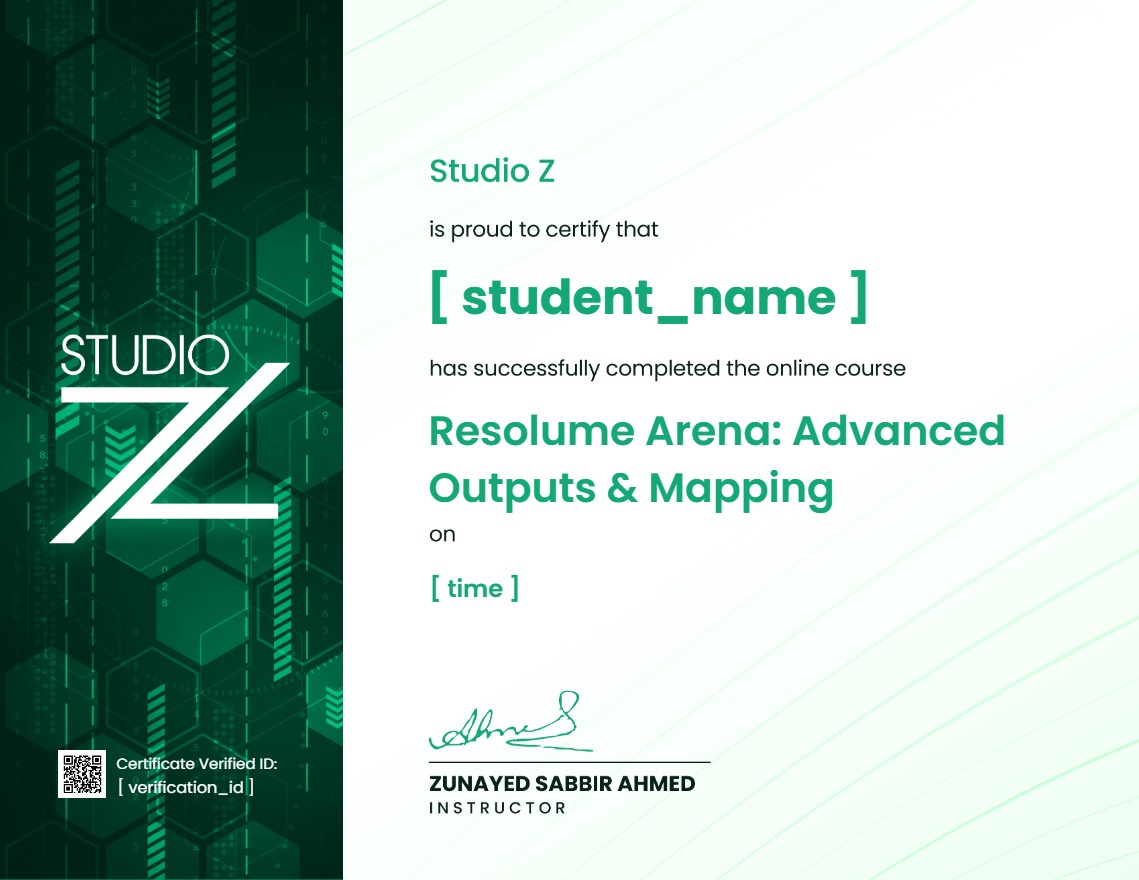
Earn a certificate
Add this certificate to your resume to demonstrate your skills & increase your chances of getting noticed.
Your Instructors

