Resolume Arena Advanced Output Explained: 2-Display to 6+1 Output Rigs
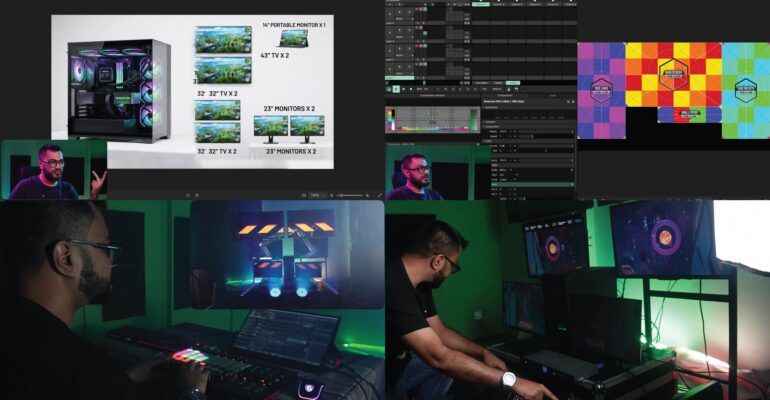

What is Advanced Output in Resolume Arena?
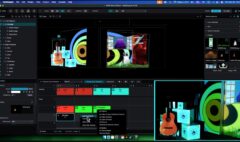
Advanced Output is the module inside Resolume Arena that lets you split your composition across multiple physical displays — projectors, LED processors, or screens — instead of sending one single output. It’s only available in Arena, not Avenue. If your show uses more than one display, or you need to map a surface using slices, subdivisions, or stacked/stitched projectors, this is the tool that makes it possible.
Do you actually need Advanced Output?
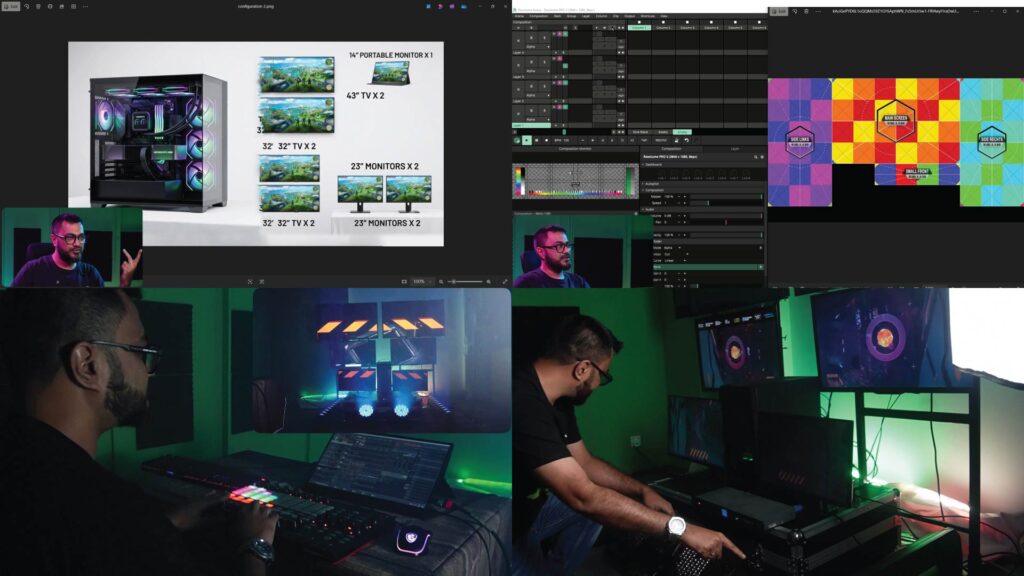
Not always. If you’re running a single projector or one LED wall, Arena’s basic output panel is enough. You need Advanced Output the moment any of these apply:
- You’re running two or more displays that need to act as one canvas
- You’re stacking or stitching multiple projectors onto one surface for brightness or size
- You’re mapping onto a non-flat or irregular surface using slices and masks
- You need to route different layers or groups to different physical outputs independently
From 2-display to 6+1: how the scaling works
2-display portable rig. The most common starting point — a laptop or media PC driving two projectors or screens side by side, usually for a small stage or booth. This is where most VJs learn Advanced Output for the first time: setting screen size, position, and edge blend between two outputs.
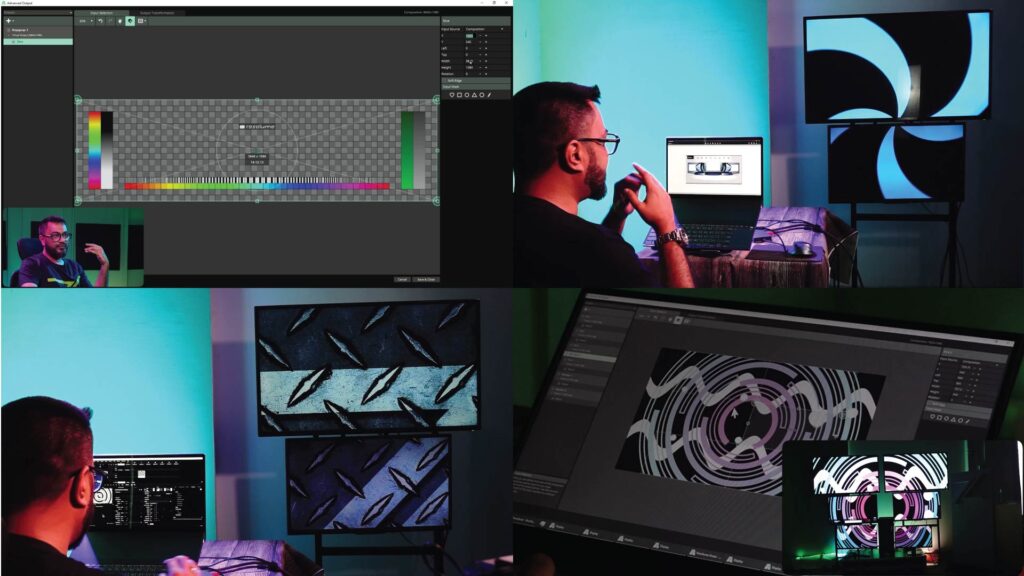
3–5 display venue setups. Adds real-world constraints — venue riders that specify projector throw distance, resolution mismatches between old and new units, and the need to keep each display’s slice perfectly aligned during a live show, not just at soundcheck.
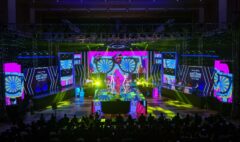
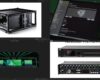
6+1 output shows. Six physical outputs plus one confidence/preview monitor is a common configuration for large stage productions and festival mainstages. At this scale, organization matters more than technical difficulty — naming conventions, backup compositions, and a clear signal path between media server and each display are what separate a clean show from a scramble during changeover.
Common mistakes at every scale
- Not locking screen resolution before building the composition, causing resizing headaches later
- Skipping edge blend testing until the day of the show
- No backup output profile saved for a display that fails mid-show
Where to learn the full workflow
This exact progression — 2-display through 6+1, with real venue-rider scenarios — is covered chapter by chapter in Advanced Outputs & Mapping — Resolume Arena, an 11-chapter deep dive built for VJs and AV technicians who already know clips, layers, and decks and are ready to run real multi-display shows.
Enroll: Advanced Outputs & Mapping — Resolume Arena — https://studio-z.ca/all-courses/resolume-arena-advanced-outputs-mapping/ (short: tinyurl.com/resolumeMapping)