
MadMapper 6 Masterclass | Beginner to Intermediate
About This Course
This MadMapper 6 Masterclass is a complete beginner to intermediate journey into projection mapping. In this course, you will start from the fundamentals and slowly build your way up to creating a full timeline-based show. We will cover hardware setup, software installation, interface understanding, surfaces and geometry mapping, masks, groups, scenes, cues, and multi-screen outputs. Along the way, you’ll also explore LED mapping, basic DMX lighting, laser mapping, Space Scanner, optimization, and finally complete a real projection mapping example from start to finish.
MadMapper is a powerful mapping tool used for projection mapping, LED displays, and many types of visual outputs. It also extends into lighting and laser control. It is not a toy, but it is not overly complicated either. You can begin with very simple setups and still create impressive results. As you grow, you can experiment and expand your workflow. Everyone uses MadMapper in their own way, and this course will help you understand how to use it confidently and creatively.
After completing this masterclass, you will be able to create small to medium projection mapping installations with confidence. You will understand how to organize your workflow, build structured shows using timeline and cues, and handle real-world show environments. Whether you are just starting out or already creating shows, this course will help you strengthen your skills and move toward professional-scale projection mapping.

|
Chapter 1 |
Introduction, Overview |
Chapter 12 |
Output & Multi-Screen Setup |
|
Chapter 2 |
Mapping Fundamentals |
Chapter 13 |
Scenes, Cues, Timeline |
|
Chapter 3 |
Tools & Hardware Requirements |
Chapter 14 |
Controls & External Inputs |
|
Chapter 4 |
Installing & Setting Up MadMapper |
Chapter 15 |
Live Inputs & External Integration |
|
Chapter 5 |
Interface Overview |
Chapter 16 |
Space Scanner |
|
Chapter 6 |
Output Panel |
Chapter 17 |
Basic & Intermediate LED Display Processor Mapping |
|
Chapter 7 |
Surfaces & Lines |
Chapter 18 |
Basic DMX Mapping |
|
Chapter 8 |
Media & Content |
Chapter 19 |
Basic Laser Mapping |
|
Chapter 9 |
Basic Projection Mapping Workflow |
Chapter 20 |
Timeline (Level 2) |
|
Chapter 10 |
Advanced Geometry Mapping & Image Mapping, Masks & Groups |
Chapter 21 |
Troubleshooting & Optimization |
|
Chapter 11 |
Library |
Chapter 22 |
What’s Next? |
Learning Objectives
Material Includes
- Full video course
- Tasks
- Example Projects
Requirements
- This course is designed to be an introduction to the topic and no prior knowledge nor experience is required. Nevertheless, an understanding of the basic principles of various software will let you grasp the concepts I present here quicker.
Target Audience
- DAspiring projection mapping artists who want to start from beginner level and grow step by step.
- Event designers and installation creators who want to add projection mapping to their creative toolkit.
- AV technicians and show operators looking to expand into media server and mapping workflows.
- Lighting and LED programmers who want to integrate visual mapping with DMX and display systems.
- Live show producers and stage designers who want to build structured, timeline-based visual shows professionally.
Curriculum
Chapter 1: Introduction, Overview
Introduction, Overview00:4:28
Chapter 2: Mapping Fundamentals
Chapter 3: Tools & Hardware Requirements
Chapter 4: Installing & Setting Up MadMapper
Chapter 5: Interface Overview
Chapter 6: Output Panel
Chapter 7: Surfaces & Lines
Chapter 8: Media & Content
Chapter 9: Basic Projection Mapping Workflow
Chapter 10: Advanced Geometry Mapping & Image Mapping
Chapter 11: Library
Chapter 12: Output & Multi-Screen Setup
Chapter 13: Scenes, Cues, Timeline
Chapter 14: Controls & External Inputs
Chapter 15: Live Inputs & External Integration
Chapter 16: Space Scanner
Chapter 17: Basic & Intermediate LED Display Processor Mapping
Chapter 18: Basic DMX Mapping
Chapter 19: Basic Laser Mapping
Chapter 20: Timeline (Level 2)
Chapter 21: Troubleshooting & Optimization
Chapter 22: Outro
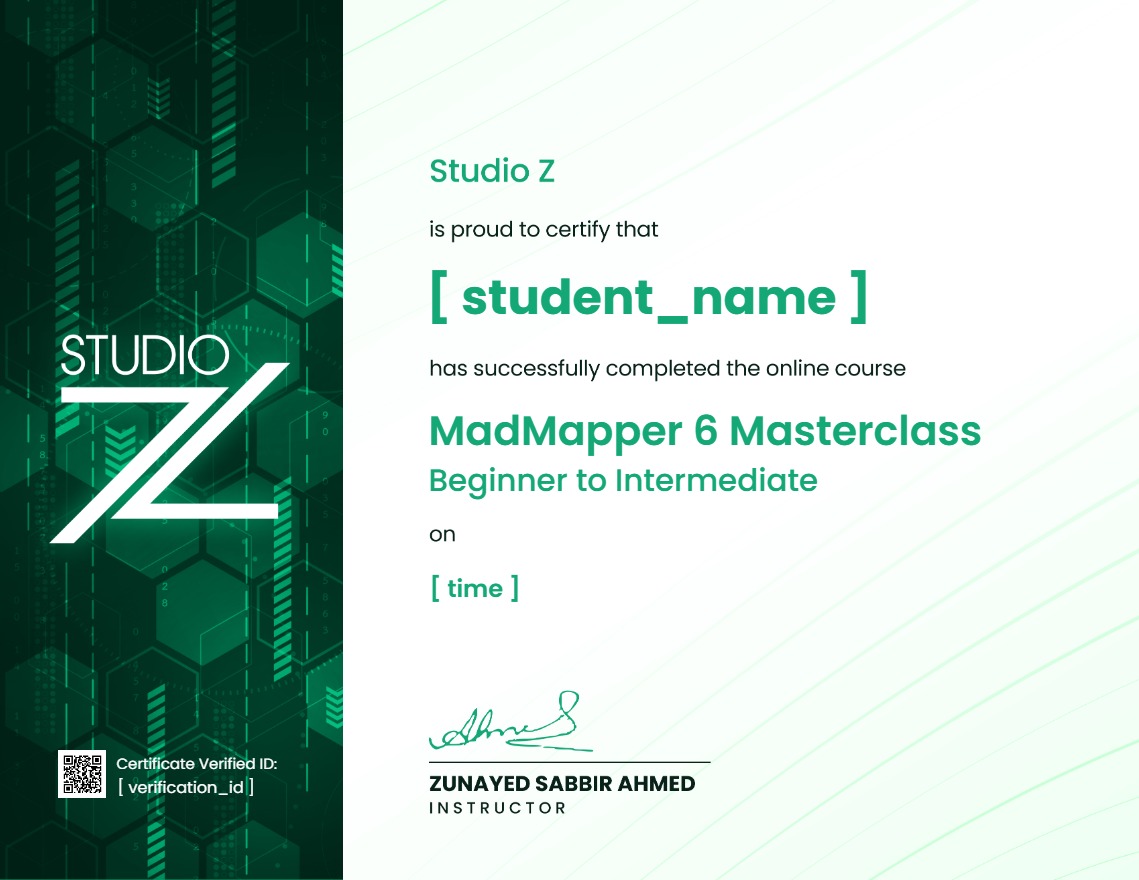
Earn a certificate
Add this certificate to your resume to demonstrate your skills & increase your chances of getting noticed.
Your Instructors

Student Feedback
Reviews (7)

Solid course! I\'ve been a DJ for years and wanted to add visuals to my sets. This explained codecs (DXV3 is a lifesaver, never knew why my MP4s lagged so bad) and output routing very clearly. It’s a bit long, but definitely worth the watch if you want an error-free show.

As a creative director, I needed my team to get up to speed with MM6 quickly. This course did exactly that. It balances the creative side with the hardcore technical configurations brilliantly. The lessons on LED pixel mapping and fixture creators are incredibly thorough.

¡Increíble este masterclass! Llevaba tiempo buscando un curso de MadMapper 6 que realmente explicara el mapeo láser a fondo y no solo lo básico. Las lecciones son muy directas y el instructor sabe muchísimo de producción en vivo. Totalmente recomendado si quieres llevar tus shows visuales al siguiente nivel.

est structured projection mapping course I've found online. Most tutorials skip the real-world troubleshooting, but this one actually covers what to do when your alignment shifts on-site. The projector blend techniques helped me fix a massive triple-projector wall setup last week. Highly recommended.

): Honestly, the laser mapping section alone is worth the price. I’ve been using MadMapper 5 for a while and was hesitant about upgrading to 6, but this masterclass made the transition seamless. The explanation of the new features, especially the advanced surface routing, saved me hours on my last gig. Super clear and straight to the point!

As someone who just started freelancing in live events, this gave me the foundation I needed to say yes to projection mapping gigs with confidence. The final example walkthrough ties everything together really well.

Good course overall. I successfully completed it. Everything was explained step by step in a clear and simple way.
