
Working with Camera inside Resolume Arena
About This Course
IDiscover the secrets of integrating live camera feeds seamlessly into your VJ performances with our advanced training course, “Working with Cameras inside Resolume Arena.” Designed for VJs eager to elevate their shows, this course delves into the essentials of camera technology, capture devices, and Resolume Arena’s powerful features. From selecting the right cameras to mastering the software’s intricacies, you’ll gain comprehensive knowledge to enhance your visual artistry and captivate your audience.
The course is meticulously structured to guide you through every critical aspect, starting with the basics of camera types and capture cards, moving through advanced workflows like NDI camera connections, and culminating in expert-level techniques within Resolume Arena. You will learn how to set up multi-camera configurations, apply essential and advanced camera effects, and utilize tools such as the Video Router for optimal video routing. Our modules are crafted to provide clear, step-by-step instructions, ensuring you can follow along easily and revisit any section as needed.
By the end of this course, you will be proficient in handling live camera feeds and incorporating them into your performances with confidence. Whether you’re dealing with a small setup or managing multiple cameras across a large venue, you’ll be equipped with the skills to make every show visually stunning. Join us and transform your VJ sets with the dynamic power of live cameras in Resolume Arena.


Learning Objectives
Material Includes
- Full video course
- Link to free VJ loops available.
Requirements
- This video is an advanced training for VJs and AV Engineers with prior knowledge of Resolume and basic knowledge of camera operation.
Target Audience
- Professional AV Engineers
- Professional VJs.
- Live Show Designer/Producers
Curriculum
Introduction and Syncing Brains
Introduction and Syncing Brains | Working with Cameras inside Resolume – Chapter 100:17:24
Cameras & Capture Devices
NDI Camera workflow
Camera with Resolume: Basic
Camera with Resolume: Advanced
Camera with Resolume: Zen!
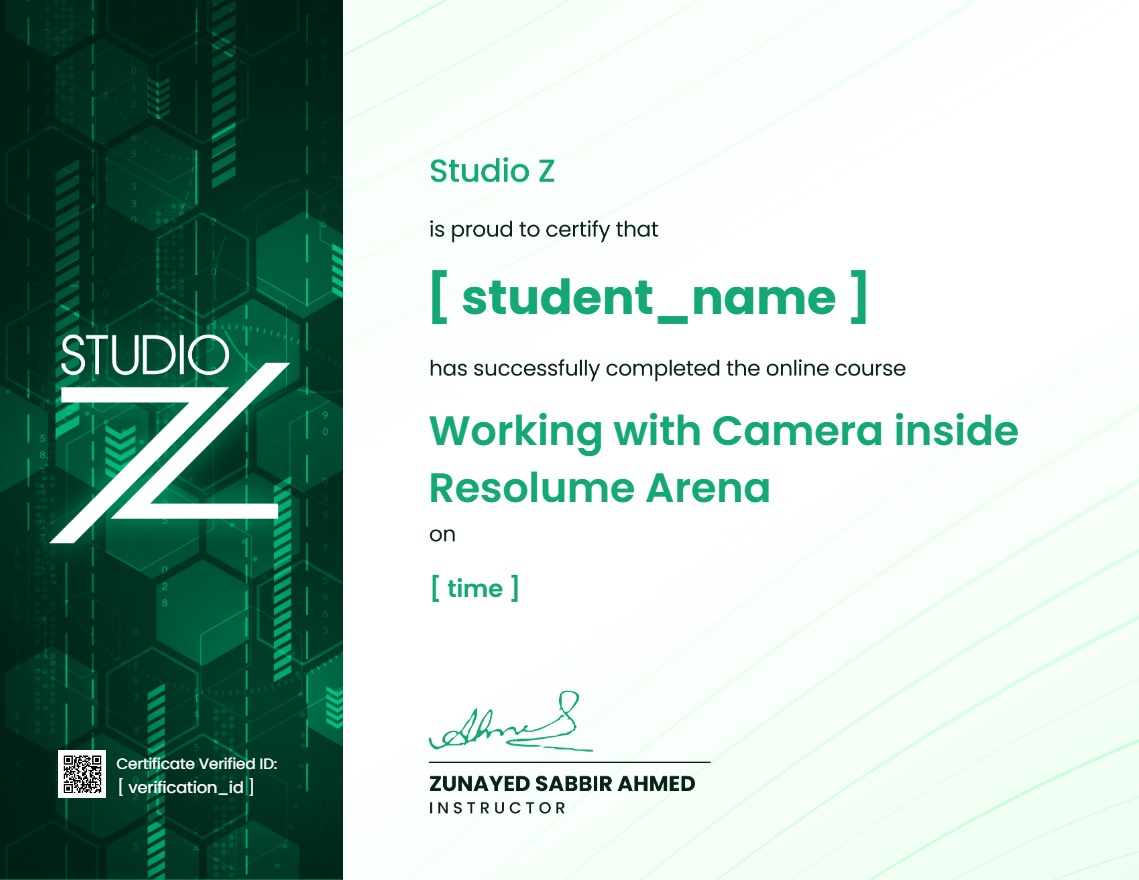
Earn a certificate
Add this certificate to your resume to demonstrate your skills & increase your chances of getting noticed.
Your Instructors

Student Feedback
Reviews (5)

Super practical tips on setting up camera inputs in Arena. The troubleshooting section on matching frame rates and formats between the hardware camera switcher and Resolume solved an issue I've been fighting for months. Wish there was a small section on wireless transmitters, but still a fantastic guide

Wow. Blending live IMAG camera feeds with heavy generative aesthetic effects is a huge trend right now, and this course shows exactly how to execute it flawlessly. The layer routing configurations alone saved me days of trial and error.

Perfect pacing for absolute beginners, but it ramps up fast enough to keep you hooked. The intermediate parts on composition routing, layer transparency, and using advanced effects like feedback loops were mind-blowing. If you want to start VJing professionally, just get this.

Live camera capture used to give me massive latency issues until I watched this. The workflow shown for bringing in low-latency feeds via capture cards and NDI changed everything for my event setups. Integrating live crowd feeds into my generative visual loops looks incredibly clean now.

good
