
Resolume Masterclass | From beginner to intermediate
About This Course
In this video, we will learn about starting off with Resolume, from Zero to Intermediate. This is a complete guide to start a wide range of real-time live visual manipulation that helps u to do creative experiential musical VJ-ing for bands or DJs or operate visuals for corporate branding events like a pro.
Resolume is one of the most popular software, That mixes videos, cameras or various sources in real-time. Add effects, and show in various interesting displays. And allows control to manipulate different visual attributes on the fly. Resolume is commonly used in clubs, festivals, and concerts. For the past few years, Resolume has been one of the most trustworthy media servers, used to control and run corporate shows as well. Flawlessly, because of its versatility, we are gonna master and conquer!
Resolume has two versions, Resolume Arena and Resolume Avenue. Both of the software are almost identical. Yet the arena is made for bigger applications. Because it has the capability to work with advanced display outputs, work with Timecode, or communicate with Lighting desks. On the other hand, Avenue is just fine if you want to push your creativity with a simpler yet stronger approach. Though, in this series, we will be using Resolume Arena, and will be covering the features available in both Arena and Avenue.
Learning Objectives
Material Includes
- Full video course
- VJ tasks
- Link to free VJ loops available.
Requirements
- This course is designed to be an introduction to the topic and no prior knowledge nor experience is required. Nevertheless, an understanding of the basic principles of various software will let you grasp the concepts I present here quicker.
Target Audience
- Design and music enthusiasts.
- Live show performer/producers.
- DJ/EDM producer/performer.
- Event AV Technicians.
Curriculum
Class 1 – Introduction
Introduction00:3:11
Class 2 – Interface and Essentials
Class 3 – Introduction to Deck
Class 4 – Clip Panel Detail
Class 5 – Shortcuts + Transition Control
Class 6 – Effect Panel
Class 7 – Source Panel
Class 8 – BPM Sync
Class 9 – Display Outputs
Class 10 – Collecting project
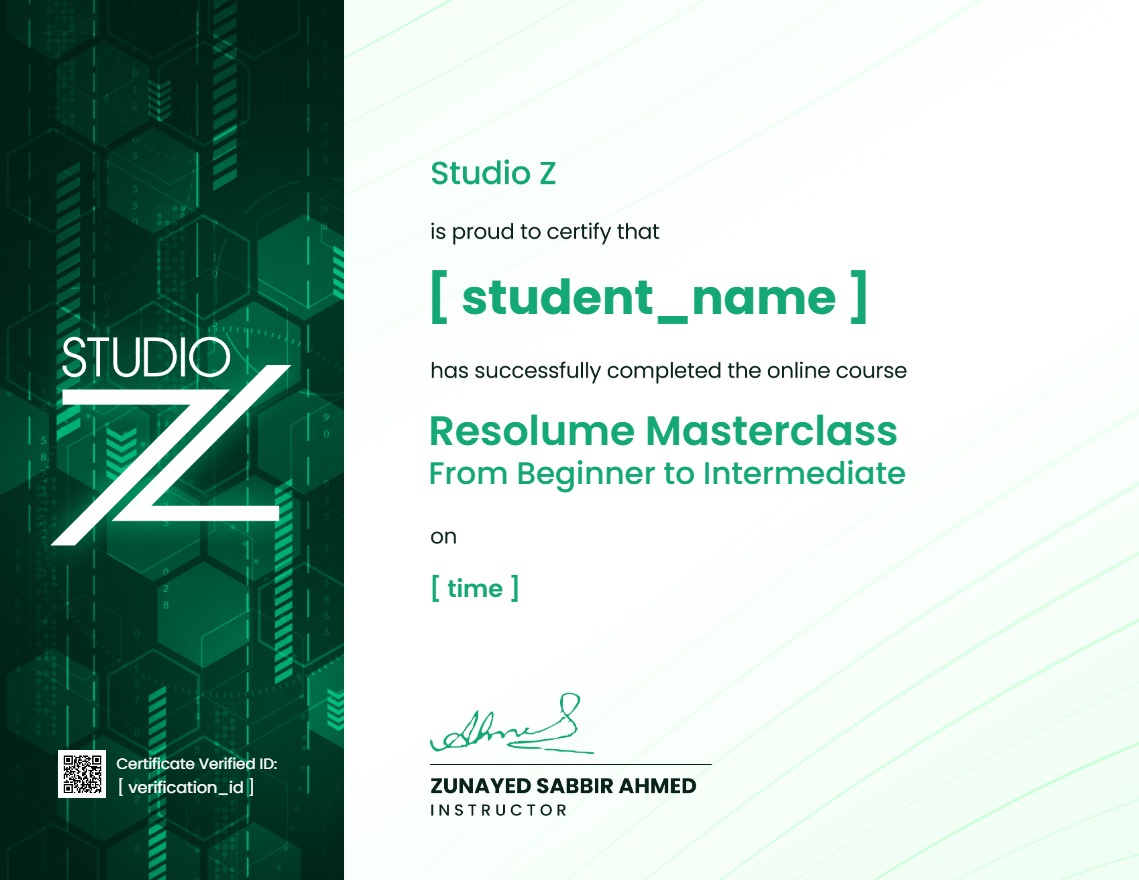
Earn a certificate
Add this certificate to your resume to demonstrate your skills & increase your chances of getting noticed.
Your Instructors

Student Feedback
Reviews (6)

Exactly what I was looking for. It doesn\'t just show you what the knobs do; it explains why you should structure your dashboard in a certain way for live events. The tips on optimization for smooth 60fps playback on stage saved my life last weekend.

Exactly what I was looking for. It doesn't just show you what the knobs do; it explains why you should structure your dashboard in a certain way for live events. The tips on optimization for smooth 60fps playback on stage saved my life last weekend.

amera capture used to give me massive latency issues until I watched this. The workflow shown for bringing in low-latency feeds via capture cards and NDI changed everything for my event setups. Integrating live crowd feeds into my generative visual loops looks incredibly clean now.

This took me from randomly clicking buttons in Resolume Arena to completely understanding my visual flow. The section on building a custom MIDI map for my APC40 completely changed how I perform live. I used to panic during BPM shifts, but the deck organization tips here fixed that completely.

Mr. Ahmed, was very helpful with tips and tricks. However, he didn’t cover the topic of advanced output, which is one of the most important parts of the class. Nonetheless, thank you!

Loved it
$45.00$99.00
Material Includes
- Full video course
- VJ tasks
- Link to free VJ loops available.
Resolume Masterclass PRO
$99.00$110.00
